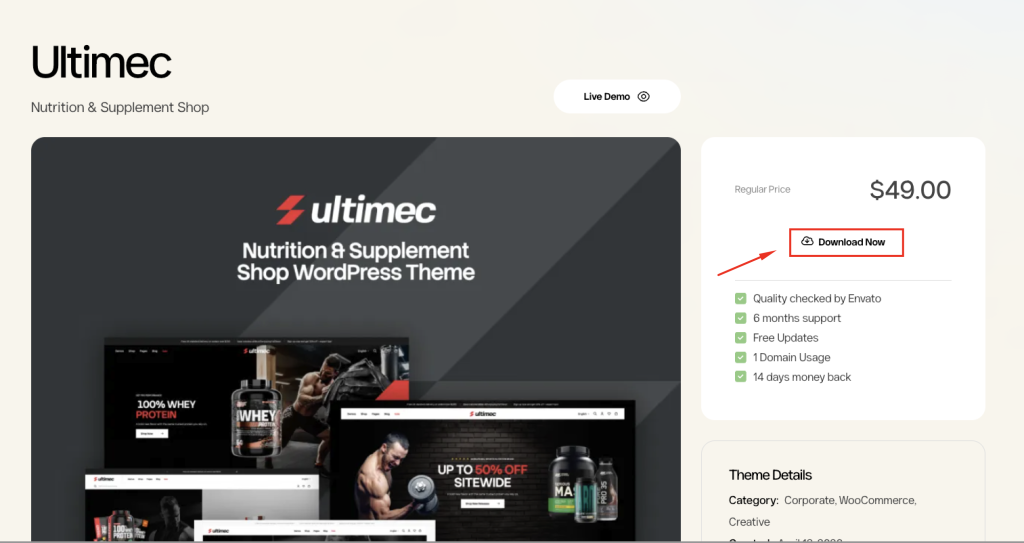
Purchasing a WPOpal Membership gives you instant access to our premium WordPress themes, continuous updates, and professional support throughout your subscription period. Follow the steps below to get started.
Step 1. Visit the Membership Page
Go to the Membership page to explore all available plans and compare their features.
👉 https://wpopal.com/membership-plan
Choose the plan that best suits your needs and budget.
Step 2. Select Your Membership Plan
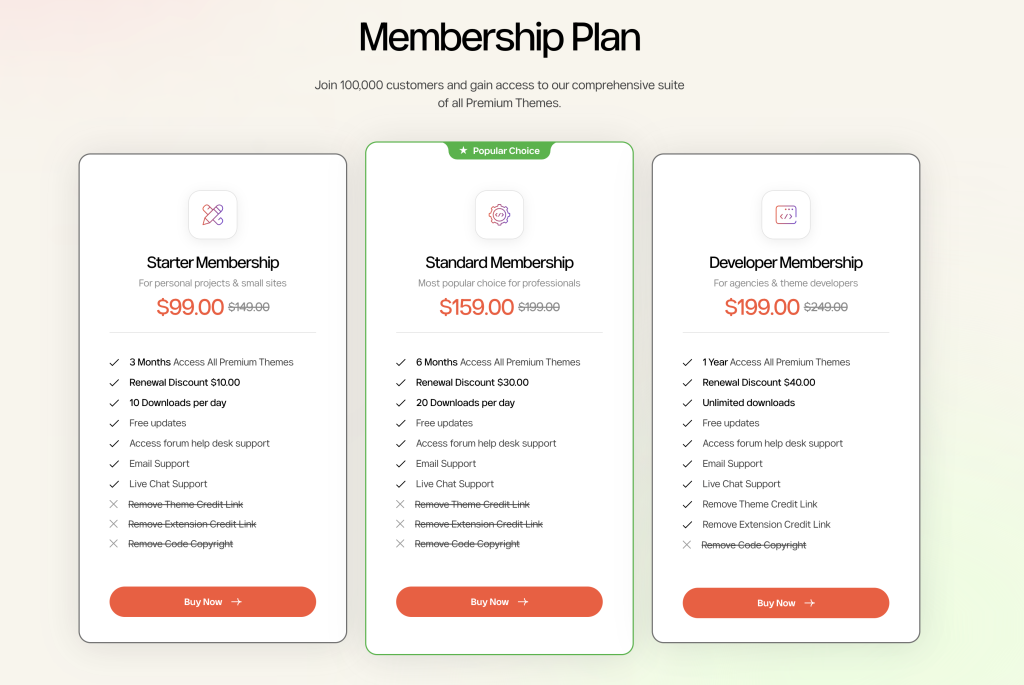
Review the available membership options and decide which plan is right for you.
Each plan includes access to premium WordPress themes, updates, and support according to its benefits.
Step 3. Click Buy Now
Once you’ve chosen your preferred plan, click the Buy Now button.
The selected membership will be added to your cart, and you’ll be redirected to the checkout page.
Step 4. Apply a Discount Coupon (Optional)
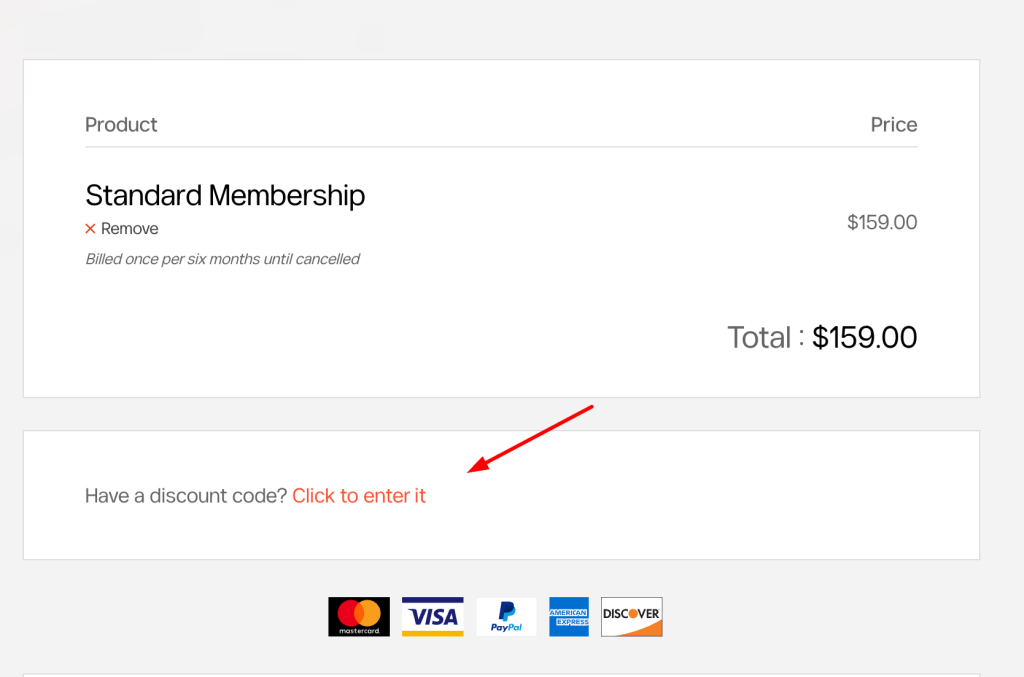
On the checkout page, you can enter a discount coupon if you have one.
Simply enter the coupon code and click Apply Coupon to update your order total before completing the purchase.
Step 5. Complete Your Payment
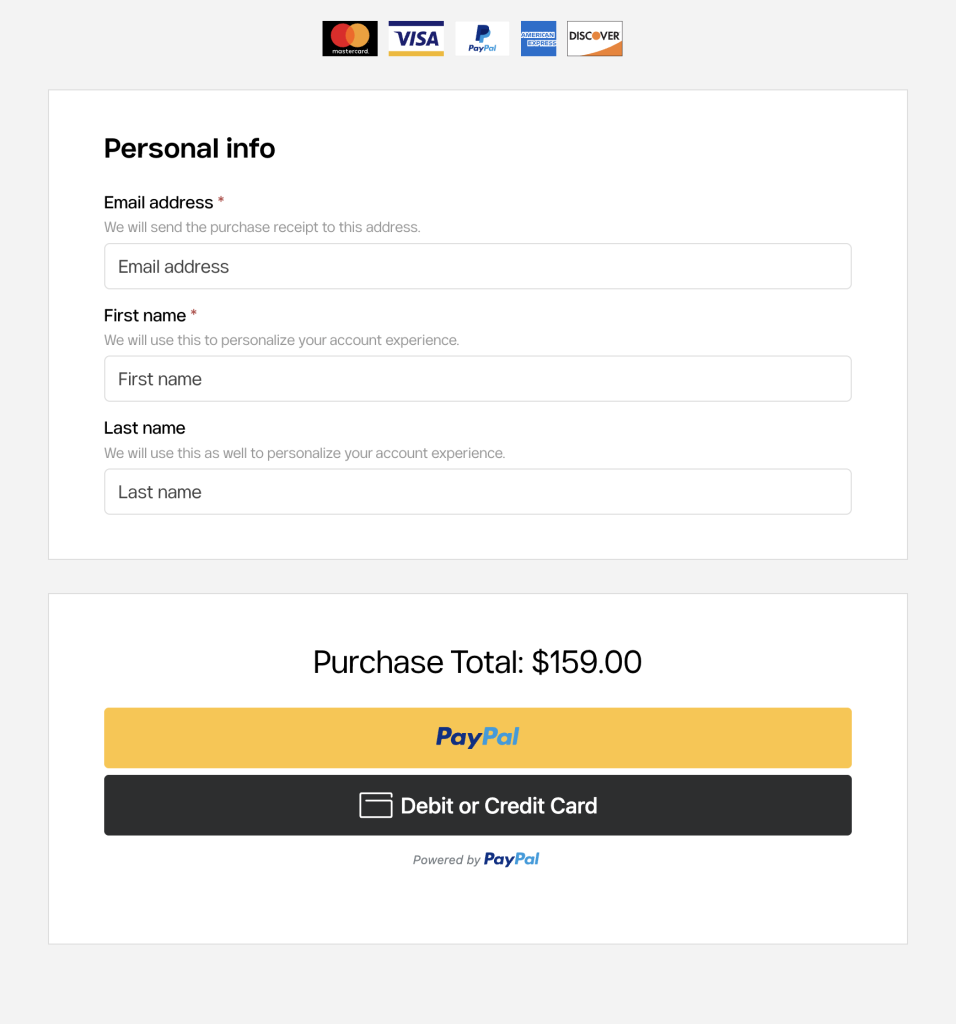
Fill in the required billing information, including your name, email address, and payment details.
After reviewing your order, click Place Order to complete the payment securely.
Step 6. Receive Your Membership Access
Once your payment is successfully completed, you will receive a confirmation email.
The email will include:
- Your order confirmation
- Your WPOpal account information (if a new account was created)
- Instructions for accessing your account
- Access to download all themes included in your membership
You can log in to your WPOpal account at any time to download themes, receive updates, and access technical support throughout your membership period.